
|
By clicking Subscribe, I agree to receive advertising and other marketing messages from D & H Power-eCommerce Demo under the terms of the Privacy Policy and User Agreement. |
|
VisionTek 900631
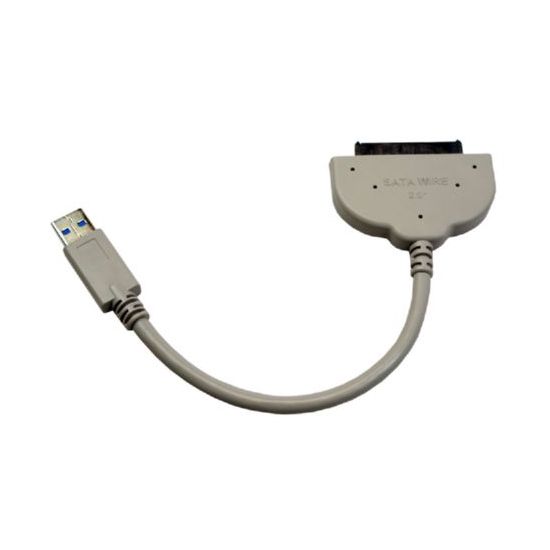
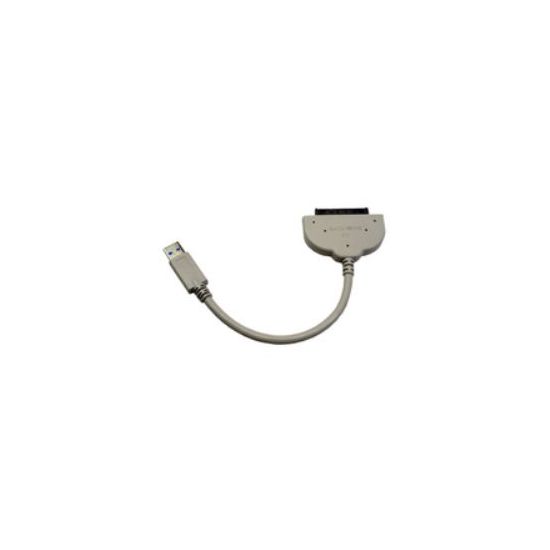
VisionTek 900631. Connector 1: USB 3.0/2.0 Connector 2: SATA 3Gb/s 22-pin Gender type: Male/Female. Color of product: White
| $30.26 |
Manufacturer:
VISIONTEK
Item:
900631
Our Part #
900631
Condition
New
Extended Warrenty
| 1 Year Extended Warrenty | $1.51 |
$30.26EA
Availability
In Stock
You may be also interested
Product description
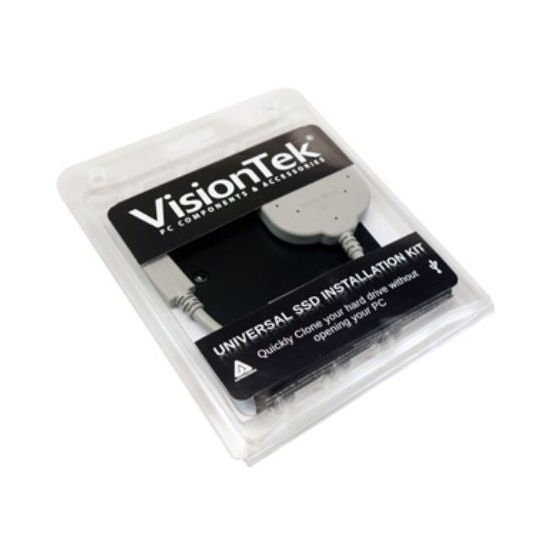
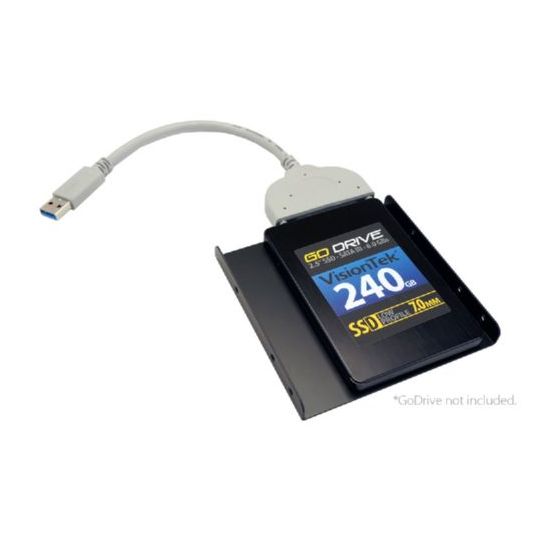
The VisionTek USB 3.0 Universal SSD Installation Kit is the easy and complete solution to upgrading your PC or Mac with a super fast SSD.
The easy and complete solution to upgrading your PC or Mac with a super fast SSD.
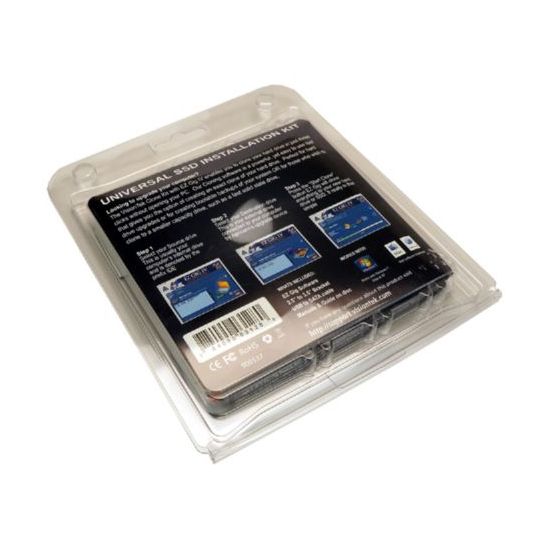
Clone your existing data to a new drive in three steps!
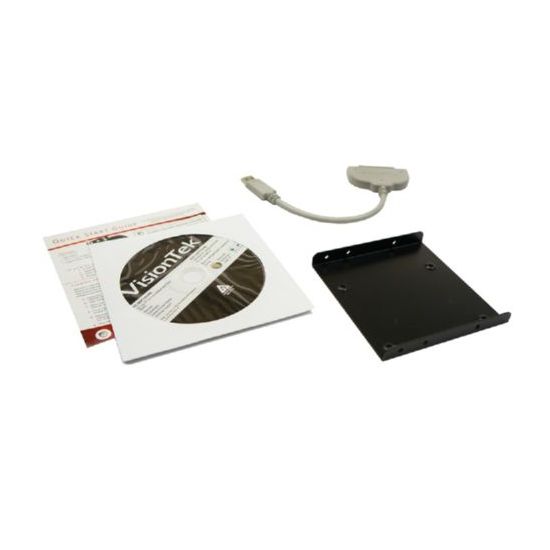
Upgrading your PC or Mac with the super fast highly reliable performance of a Solid State Drive is an easy DIY process with the VisionTek Universal SSD Installation Kit. This powerful yet easy to use solution comes with everything you need - point and click software USB 3.0/2.0 to SATA 3Gb/s connection cable and 2.5" to 3.5" drive adapter bracket - to transfer your data from your existing hard drive to a new SSD prior to installing the SSD into your machine. This flexible tool can also be used to create bootable clones and archival backups.
Transfer Data Or Create A Supercharged Boot Disk
The Data Select feature provides a simple method to exclude files from the cloning process so you migrate only the data you need from a large HDD to a smaller capacity sized SSD. This useful feature is also perfect for creating a lightning fast SSD boot disk that loads your OS and apps nearly instantaneously while retaining your documents and media files on the original hard drive.
Upgrade To A Larger Internal Drive In Three Steps
Three easy steps is all it takes to automatically copy all your data � programs documents address books e-mail even your OS and system preferences - from the small factory hard drive to a new spacious hard drive. Simply choose your Source and Destination drive click the "Start Clone" button and our custom software takes care of the rest.
Be Prepared... Create A Disaster Recovery Backup
Before disaster strikes and you experience a drive failure or even theft to where all your data is lost our software can be used to create a bootable recovery backup. This "recovery" drive can be installed into your system an external enclosure or drive dock to keep you up and running with no data loss.
Specifications
Color of product
White
Connector 1
USB 3.0/2.0
Connector 2
SATA 3Gb/s 22-pin
Gender type
Male/Female
Quantity
1