
|
By clicking Subscribe, I agree to receive advertising and other marketing messages from D & H Power-eCommerce Demo under the terms of the Privacy Policy and User Agreement. |
|
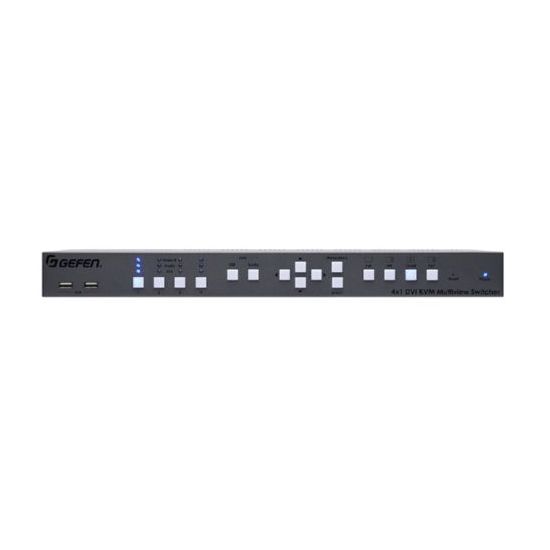
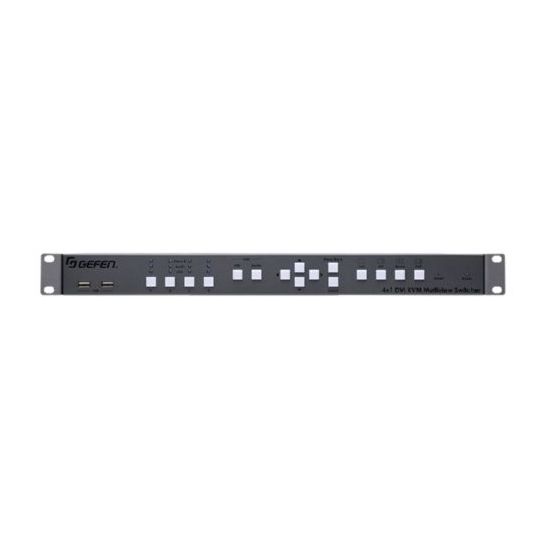
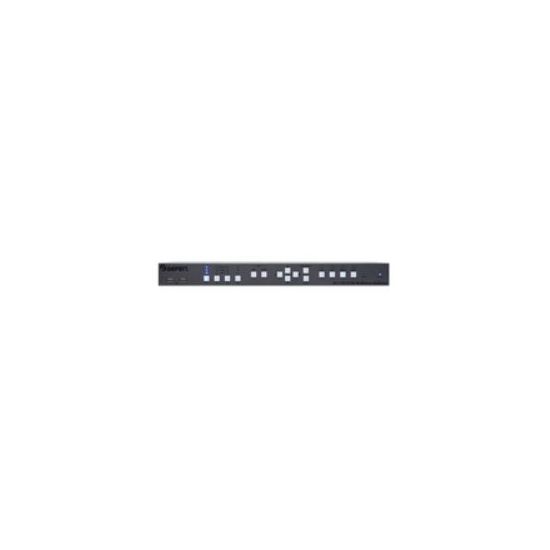
Gefen EXT-DVIK-MV-41 Keyboard Video Mouse (KVM) Switch Box
Gefen EXT-DVIK-MV-41. Keyboard port type: USB Mouse port type: USB Video port type: DVI-D. Maximum resolution: 1920 x 1200 pixels. Color of product: Grey Rack mounting: 1U. AC input voltage: 12V Power consumption (typical): 40W. Width: 17.2" (43.7 cm) Depth: 7.87" (20 cm) Height: 1.18" (3 cm)
| $2,025.60 |
Manufacturer:
GEFEN
Item:
EXT-DVIK-MV-41
Our Part #
EXT-DVIK-MV-41
Condition
New
Extended Warrenty
| 1 Year Extended Warrenty | $101.28 |
$2,025.60EA
Availability
In Stock
Product description
Interface four computers to one dual-screen workstation
The EXT-DVIK-MV-41 is the perfect solution for controlling four computers from a dual monitor workstation. The operator can observe up to 4 pictures on one screen while a second monitor can be switched to display the picture that needs closer attention. This product is HDCP compliant supporting input and output resolutions up to 1920 x 1200 (WUXGA) and 1080p Full HD. The two front panel USB ports and/or Bi-Directional audio (mic and headphones/speaker) can be independently routed from any of the four computers to the workstation. Four default factory presets provide most commonly used arrangements of windows on a display including single window output Picture-In-Picture Quad view and Picture-And-Picture. The 4x1 DVI KVM Multiview Switcher is controllable via front panel keyboard/mouse and RS-232. An intuitive on-screen Graphical User Interface simplifies system configuration and operation. Up to 8 DVI KVM Switchers can be daisy-chained together to create an elaborate 32 computer workstation. This product is field firmware upgradable with the Gefen Syner-G� software suite.
How It Works
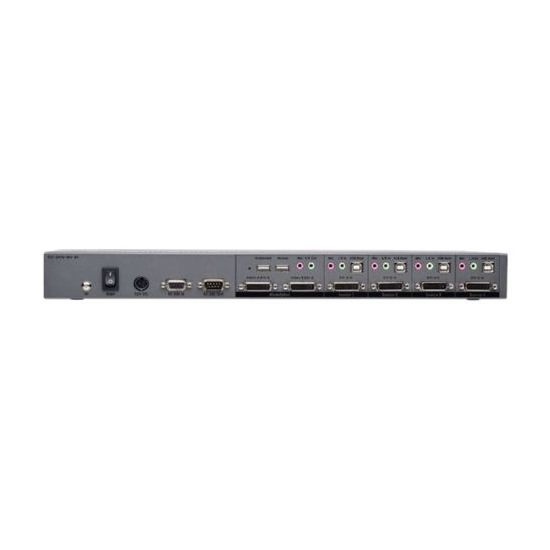
This product can be placed on a shelf or mounted in a standard 19-inch rack. Connect DVI video output USB L/R audio output and microphone input from up to four computers to DVI-D In USB Host L/R In and Mic ports for Source 1 through 4 on the back panel of EXT-DVIK-MV-41. Connect up to two DVI displays to the Video A DVI-D and Video B DVI-D Outputs. Connect a pair of headphones or powered speakers to the L/R Out audio output. Connect a mono PC microphone to the Mic jack.Connect a keyboard and a mouse to the Workstation USB ports on the back of the unit. Two USB peripherals can be connected to the USB ports on the front of the switcher. If rack-mounting the unit securely connect the Grounding Terminal to the system ground by 16 AWG or larger diameter copper wiring. Connect the included 12V DC power supply to the unit's 12V DC power supply jack and to an available electrical outlet. To power on the KVM switcher by flipping the Main switch to on position. The switcher can be controlled by using the front panel push-buttons keyboard/mouse or via RS-232. To control the switcher via RS-232 connect an automation controller to RS-232 In. To cascade the KVM Switchers together to create an expanded system connect the RS-232 output from the first unit to the RS-232 input of the next unit until all units are daisy-chained. Up to 8 EXT-DVIK-MV-41 Switchers can be connected together to form an elaborate 32 computer system controlled by a single set of keyboard and mouse. The Power LED on the front of the switcher will glow blue when the unit is powered-on. The Video Audio and USB LED indicators will glow in blue when the corresponding input is selected.
Specifications
AC input voltage
12
Audio connections
Y
Built-in display
N
Color of product
Grey
Console port
RS-232
Depth
200
DVI-D ports quantity
6
Height
30
Keyboard port type
USB
LED indicators
Y
Maximum resolution
1920 x 1200
Mouse port type
USB
Number of computers controlled
4
Operating relative humidity range
5 - 90
Operating temperature range (T-T)
0 - 50
Power consumption (typical)
40
Rack mounting
1U
Storage relative humidity range
0 - 95
Storage temperature range (T-T)
-20 - 85
USB 2.0 ports quantity
8
Video port type
DVI-D
Weight
1600
Width
437